
How to apply for pet insurance
Move from a saved quote to a checked policy. These application checkpoints help you catch missing records, unwanted options and timing assumptions before the first claim.
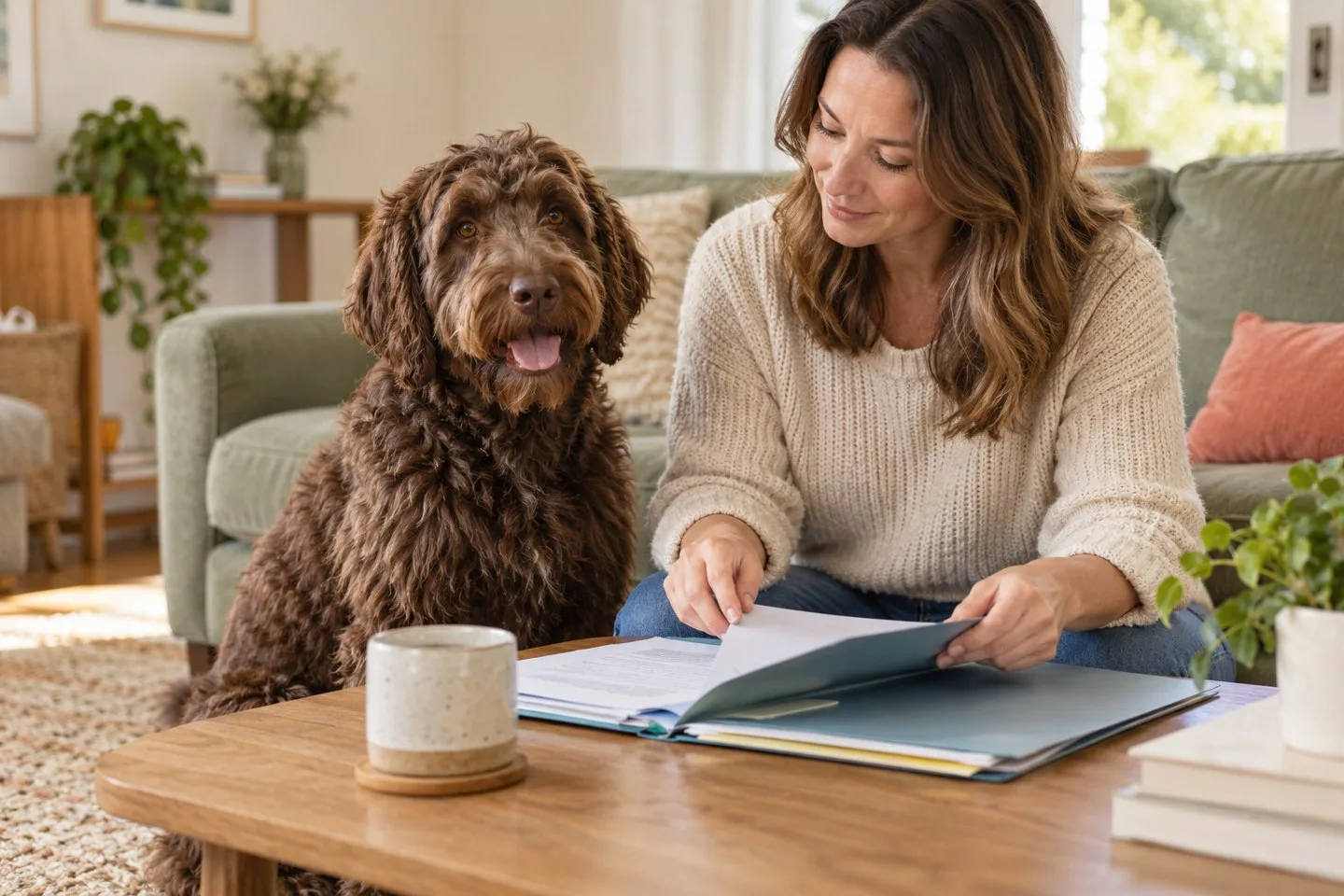
Before you start: assemble the information once
- Pet identity: name, species, documented breed and age or birth date. If a detail is uncertain, ask how to enter it accurately.
- Residence and contact details: the actual home address and a reliable way to receive policy notices.
- Veterinary trail: current practice, previous practices, shelter or adoption records, and known symptoms, diagnoses or ongoing care.
- Your comparison settings: coverage category, deductible, reimbursement setting, annual limit and benefits you want included.
Do not wait until checkout to decide whether you want illness protection or only accident coverage. A lower quote created by omitting illness care answers a different question. Likewise, identify any routine-care option separately so you can decide whether its schedule fits the services you expect to use.
The application, from offer to issued documents
- Get an identifiable offer. Save the quote, selected options, payment frequency and insurer name. Correct input errors before comparing it with another quote.
- Read what could defeat the purpose. Check known-condition exclusions, waiting periods, any required examination and the services included in the selected benefits. Ask for unresolved answers in writing.
- Review the application declarations. Confirm the pet and address, answer questions truthfully and read the payment and authorization terms. Review any optional benefits rather than accepting them by habit.
- Submit only when the offer is the one you intend to buy. Follow the insurer’s payment and submission process. Keep the confirmation instead of assuming a closed browser window means success.
- Check the issued policy. Compare the declarations, start date, waiting periods, deductible, reimbursement, limit and endorsements with the saved offer. Report discrepancies promptly.
Insurers differ in the point at which coverage becomes binding and in the documents needed. The AKC application acknowledgment, for example, links the application and first premium payment and includes accuracy, ownership and continuous-payment statements. Follow the process of the insurer you actually choose; that example is not a universal contract rule.
Buying the policy may precede a full records review
Its materials also explain that records are needed for claim assessment. Finishing the purchase therefore should not be mistaken for confirmation that every historical condition is covered.
Request clinical notes from every relevant practice, including specialist or emergency visits. An invoice can show what you paid without providing the history recorded by the clinician. If the pet has little or no history, ask the insurer what examination or documentation it needs and by when; do not invent a clean history.
Have records sent through the insurer’s intended secure channel. Keep a list of what was requested, which practice sent it and whether the insurer confirmed receipt.
If something does not line up
| Problem | Next action | Do not assume |
|---|---|---|
| No policy confirmation after submission | Check the insurer account and payment status, then ask the insurer whether an application or policy exists before repeating payment. | That submitting the same application again is harmless. |
| Wrong breed, date or address | Ask for the appropriate correction and a revised document if needed. | That the quote or policy can be left knowingly inaccurate. |
| Records missing from a former clinic | Identify the gap and ask what alternative evidence the insurer will accept. | That missing records establish there were no prior symptoms. |
| A waiting-period date is unclear | Ask which event starts the clock and which benefits use that date. | That every benefit begins on the payment date. |
| An option appears on the quote but not the policy | Compare the saved offer with the issued endorsement list and request an explanation. | That a marketing feature was automatically purchased. |
Four things to keep when you finish
The saved offer
The quoted price and configuration you meant to purchase.
The issued contract
Declarations, policy wording and selected endorsements.
The timing record
Start date and the applicable benefit waiting periods.
The records receipt
What clinical documents were sent and any outstanding requirement.
Keep these together with the renewal date and the insurer’s claim instructions. You are better prepared to question an unexpected charge or a later decision when you can show the exact version you bought.
If you are applying to replace existing insurance, establish the new start date and the new insurer’s treatment of the pet’s medical history before deciding what to do with the old policy. A successful application does not transfer old benefits or erase conditions that have already appeared.
Sources and policy context
Public consumer and veterinary references support the context. Named product features were checked against official insurer materials; the policy offered for your pet and state determines benefits.
Compare Current Pet Insurance Rates
Check current options for your pet and location, then compare the policy details, exclusions, costs, and eligibility before choosing.